Choose which messages you get
1
Go to Settings → WhatsApp
The Messages from Juno card shows up once your phone is linked.
2
Turn messages on or off
Let Juno message me first turns them all on or off. Below it, switch each kind on or off.
Documentation Index
Fetch the complete documentation index at: /llms.txt
Use this file to discover all available pages before exploring further.
The messages Juno sends without you asking, and how to choose which ones.
| Message | When |
|---|---|
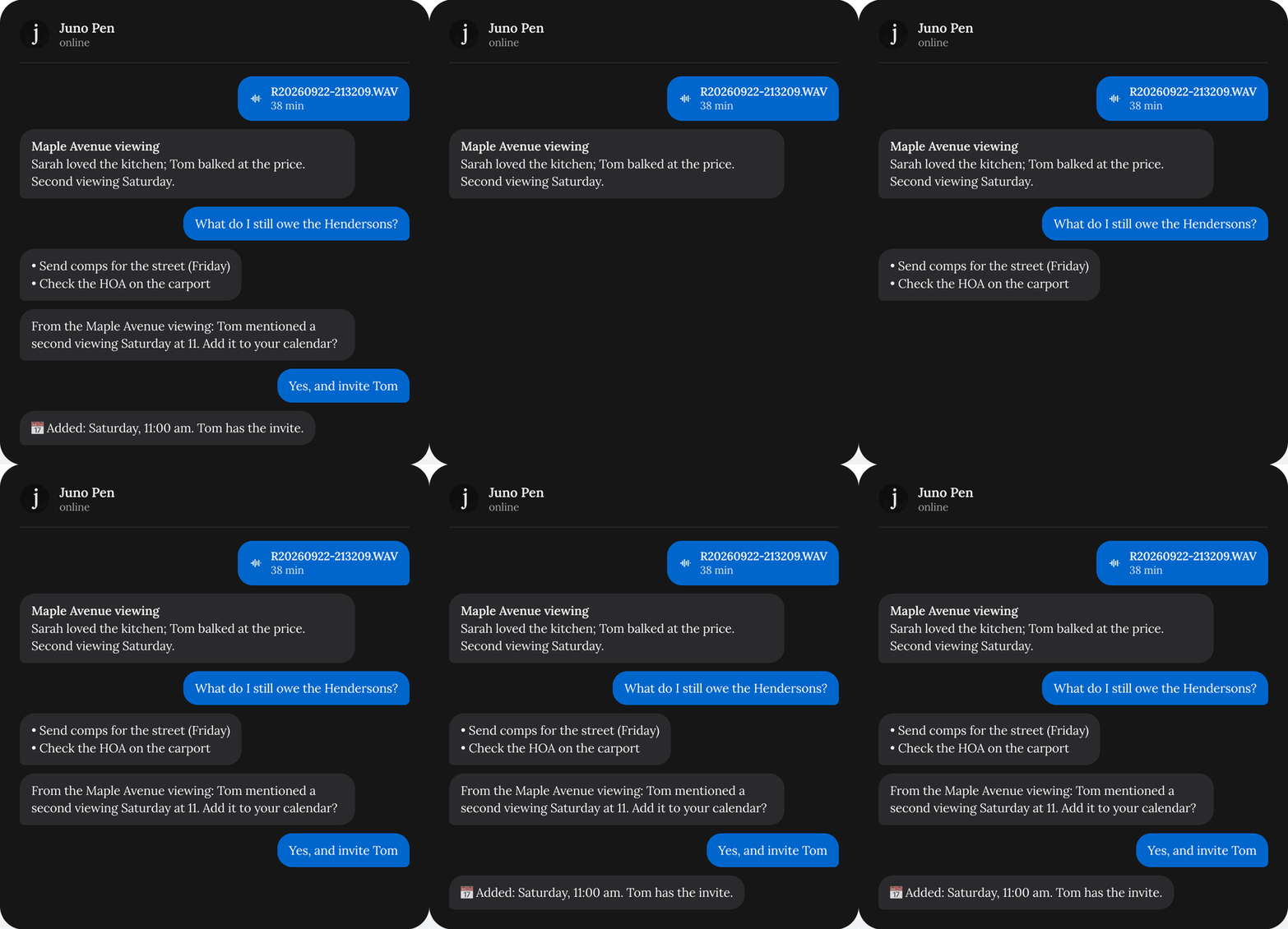
| After an upload | Right after a recording is ready: one to three offers, like adding a meeting to your calendar. |
| Brief before a meeting | From 18:00 the evening before a meeting, or the morning of. |
| Follow-up nudges | At 9:00, the to-dos due that day, in one message. |
| Morning brief | Between 7:30 and 11:00, on days you have meetings or to-dos due. |
| Notion page offers | When Juno can turn something into a Notion page. |

Go to Settings → WhatsApp
Turn messages on or off